How to use AI to write social media captions that don't sound like AI

·6 min read
To get AI captions that sound human, give the AI real context — your audience, offer, brand voice and a few past captions — ask for a specific format, then edit the draft: cut generic openers, extra emojis and hashtags, filler and fake enthusiasm, and check every fact. AI writes the first draft; you make it yours.
AI can save you hours of staring at a blank caption box. The problem is that most AI captions sound the same: "Elevate your style!", three rocket emojis and fifteen hashtags. People scroll past them because they've seen them a thousand times. The fix isn't to stop using AI — it's to use it better. This guide shows how to brief it, what to remove, and how to adapt captions for each network and language.
Why AI captions often sound like AI
An AI model writes the most likely words for the request it's given. If the request is vague — "write an Instagram caption for my bakery" — it falls back on the most common, safest phrases it has seen. That's why generic prompts produce generic captions. The more specific your input, the less the output sounds like everyone else's.
Step 1: give the AI context
Before asking for a caption, tell the AI the same things you'd tell a new copywriter on their first day:
- Audience. Who is this for? "Working mothers in Lahore who order cakes for birthdays" beats "customers".
- Offer. What exactly are you posting about? Product, price if you want it mentioned, deadline, how to order.
- Brand voice. Three or four words that describe how you sound — for example warm, plain, a little funny, never pushy. If you haven't defined yours, read our guide to brand voice.
- Examples. Paste two or three past captions that did well. Examples teach tone faster than any description.
- Things to avoid. Words you never use, claims you can't make, competitors you don't mention.
Step 2: use a clear prompt structure
A good prompt has four parts: context (who you are and who it's for), task (what to write), format (length, structure, number of options) and rules (what to avoid). Here's a sample you can copy and adapt:
"You write Instagram captions for Sweet Crumbs, a home bakery in Lahore. Our audience is busy parents ordering birthday cakes. Our voice is warm, simple and lightly funny — never salesy. Write 3 caption options for a Reel showing our new chocolate fudge cake. Each caption: a first line under 10 words that makes people stop scrolling, 2–3 short sentences, then a call to action to order on WhatsApp. Maximum 2 emojis and 3 hashtags. Don't use the words 'elevate', 'indulge' or 'game-changer'. Here are two past captions we liked: [paste]."
Asking for several options is useful: you can pick the best line from each and combine them. If you want a strong opening first, our free hook generator is built for that one job — then learn more about what makes a good hook.
Step 3: remove the common AI tells
Even with a good prompt, drafts often include patterns that readers now recognise as AI. Look for these and cut them:
| AI tell | Example | What to do instead |
|---|---|---|
| Generic openers | "Are you ready to…", "In today's fast-paced world…" | Start with the specific thing: the product, the result or the problem. |
| Emoji overload | An emoji after every sentence | Use one or two where they add meaning, or none. |
| Hashtag walls | Fifteen broad tags like #love #instagood | A few specific, relevant hashtags. |
| Filler words | "Truly", "seamlessly", "unlock", "elevate", "journey" | Delete them. The sentence usually gets stronger. |
| Fake enthusiasm | "We're SO excited to announce…!!!" | Say what's new and why it matters to the reader. |
| Vague promises | "The ultimate solution for all your needs" | Name one concrete benefit. |
Another tell is the three-part list in every sentence ("fast, easy and affordable"). Real people vary their rhythm: a short line, then a longer one, then a short one again.
Step 4: edit with a quick checklist
Run every AI draft through this before you schedule it:
- Does the first line work alone? On most networks, it's all people see before "more".
- Would we actually say this? Read it out loud. If it sounds like an advert from a stranger, rewrite it.
- Is there one clear [call to action](/glossary/call-to-action)? Comment, save, visit, order on WhatsApp — pick one.
- Are all facts correct? Prices, dates, branch locations, offer terms.
- Is it the right length and format for this network?
- Have we removed the AI tells above?
Writing in English, Urdu and Roman Urdu
Many Pakistani audiences mix languages, and a caption in the language your followers actually use often feels more personal. AI can help here, but each option needs a slightly different approach:
- English works well for professional audiences and LinkedIn. Keep it simple; avoid formal phrases that sound translated.
- Urdu (in Urdu script) suits audiences who prefer reading in Urdu. Always have a fluent speaker check the draft — AI can produce grammatically correct but unnatural phrasing.
- Roman Urdu is how many people type on WhatsApp and Instagram. Tell the AI to write casually, the way people text, and specify spellings you prefer, since Roman Urdu spelling varies.
Our free caption generator writes in English, Urdu and Roman Urdu, so you can compare versions side by side and choose what fits your audience.
Adapt each caption to the network
One caption pasted everywhere is another giveaway. Ask the AI to rewrite the same message for each platform:
| Network | Length | Hashtags | Tone |
|---|---|---|---|
| Strong first line; longer stories are fine below it | A few specific ones | Visual, personal, conversational | |
| TikTok | Short — the video does the talking | A few relevant ones | Casual, playful, trend-aware |
| Can be longer, with short paragraphs | Few or none | Professional but human; lessons and results | |
| Short to medium | Few or none | Friendly, community-focused | |
| Threads / Bluesky | Short, conversation-starting | Few or none | Opinionated, chatty |
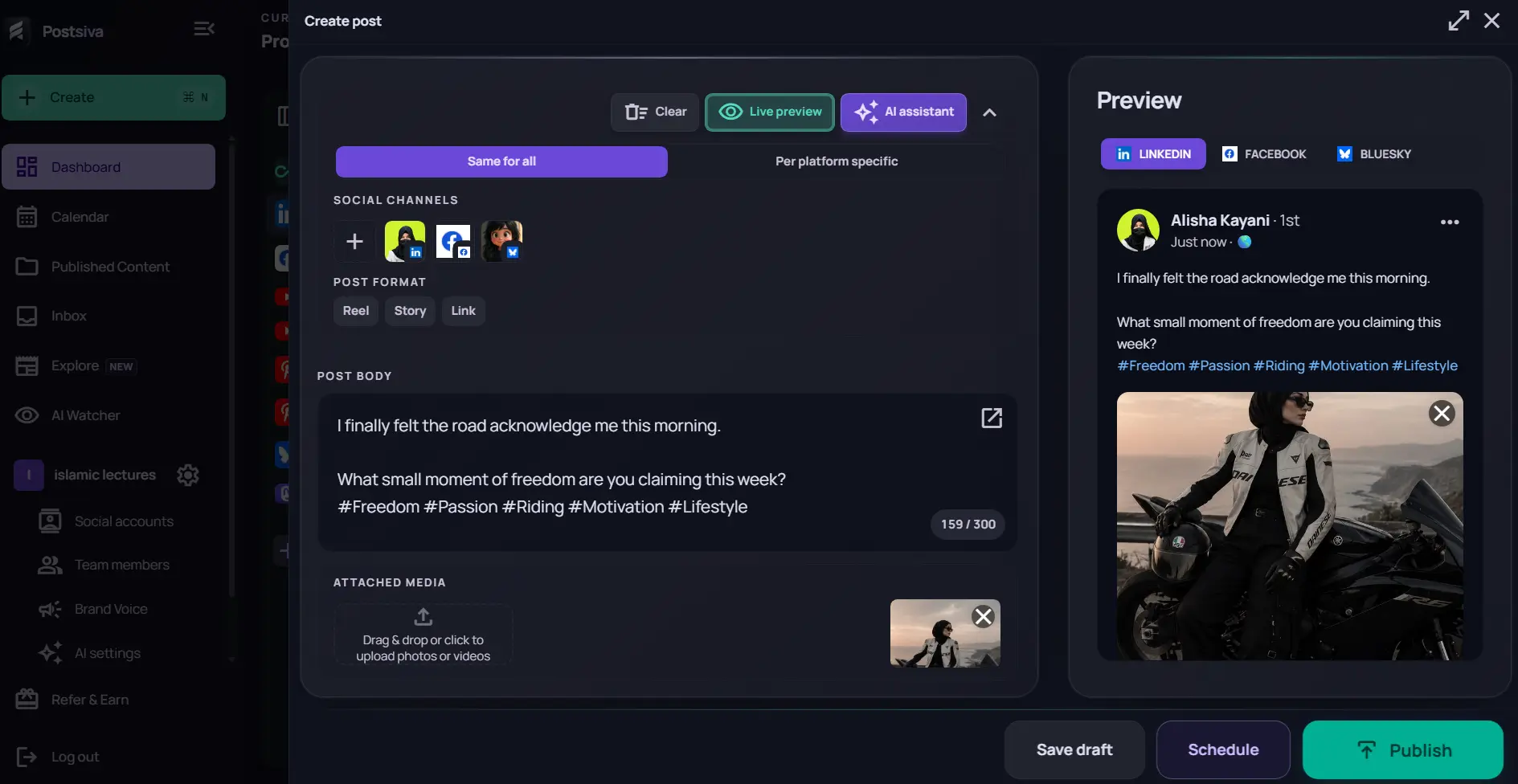
Postsiva's composer shows a live preview for each network as you write, so you can see where the caption gets cut off and adjust each version before it goes out.
Keep facts accurate
AI can confidently invent details: a discount you're not running, a delivery time you can't promise, a statistic nobody measured. Treat every number, date, price and claim in an AI draft as unconfirmed until you check it. Give the AI the facts in your prompt rather than asking it to fill them in, and never let it make health, legal or financial claims on your behalf.
Use AI across your workflow
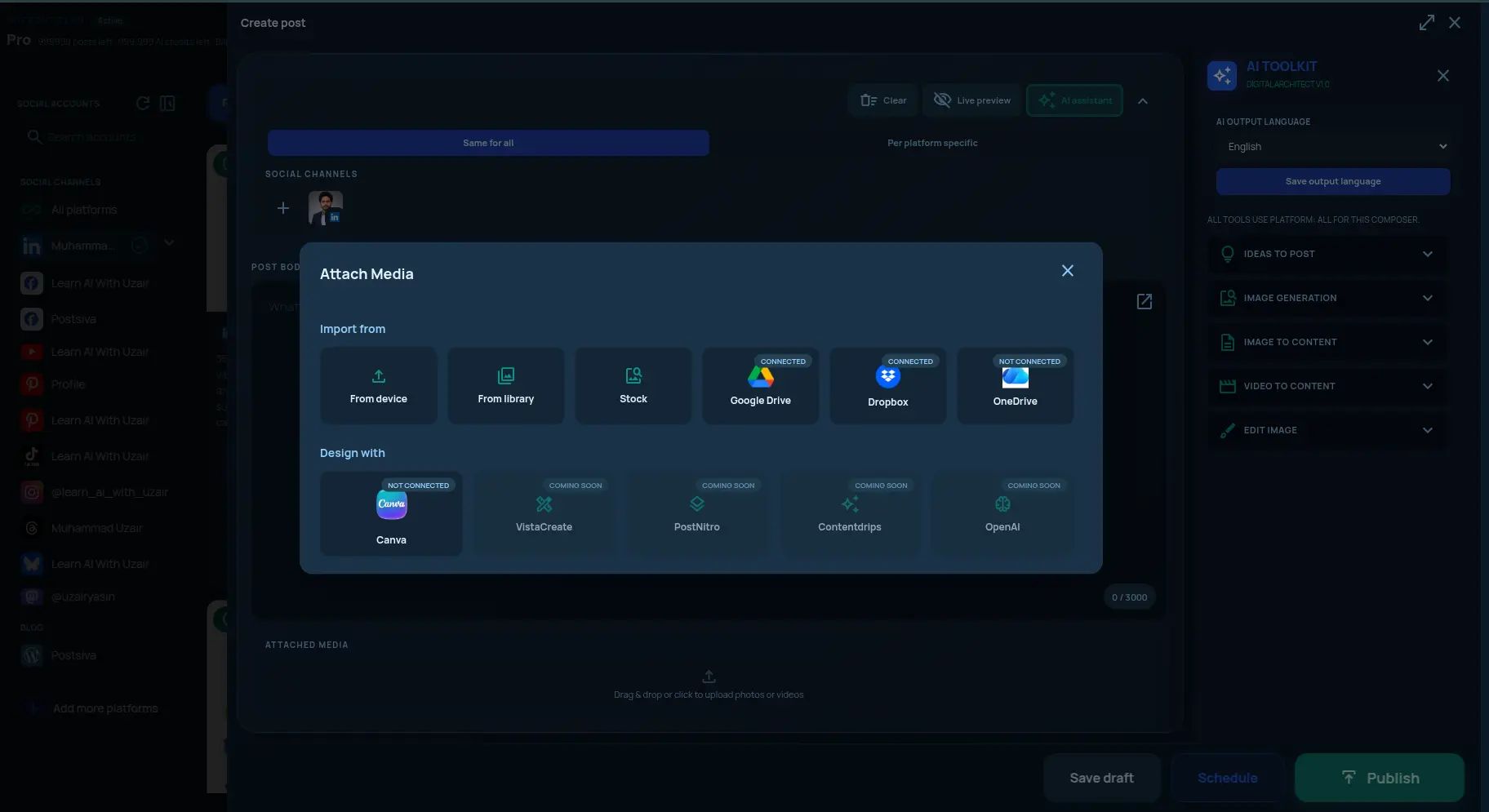
Captions are just one part of the job. In Postsiva, the same AI assistant helps you draft captions in the composer and generate images, and Piva — our AI agent you can chat with, including on WhatsApp — can draft posts and publish them for you. Then the content calendar keeps everything organised across Instagram, Facebook, LinkedIn, TikTok, YouTube, Pinterest, Threads and more. See all the features or start on the free plan.
If you want to go further and let AI handle more of the routine work, read our guide to AI social media agents.
Frequently asked questions
Can people tell if a caption was written by AI?
Often, yes — when it uses generic openers, too many emojis and hashtags, and filler words. A specific prompt plus a human edit removes most of these signs.
Is it okay to use AI for business social media captions?
Yes, as long as you check facts and edit the draft to match your brand voice. Think of AI as a fast first-draft writer, not the final approver.
Can AI write captions in Urdu or Roman Urdu?
Yes. Postsiva's free caption generator writes in English, Urdu and Roman Urdu. Have a fluent speaker review Urdu drafts, and tell the AI which Roman Urdu spellings you prefer.
How many hashtags should an AI caption include?
Fewer than most AI tools suggest. Ask for a small number of specific, relevant hashtags and adjust for each network — LinkedIn and Facebook need few or none.