Know your instance
Mastodon accounts live on a server (instance). Postsiva saves the instance for this workspace before opening Mastodon OAuth.
1. Open Mastodon connect
In Connect your world, select Connect on Mastodon. The Mastodon Instance dialog opens.
2. Enter or pick an instance
Type your server (for example mastodon.social) or choose a suggested instance, then select Connect to continue to Mastodon OAuth.
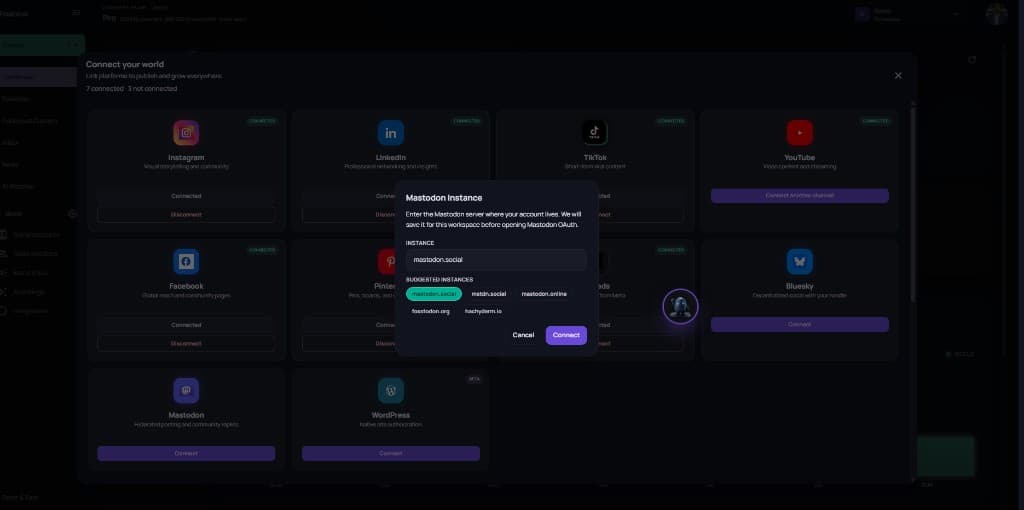
Use the exact instance where your account lives. A wrong server will fail OAuth or connect the wrong identity.
3. Authorize and confirm
Complete Mastodon authorization in the popup. When you return, Mastodon should show Connected in Connect your world.